Recoding a factor

When you have N levels of a factor but you would like M (M < N) you need to recode the data set.

when you run str(df) you get an idea that factors are numbered in any vetor or data frame.

We need to use a command to recode the levels. The command you use is ‘levels’:

levels(df$factor)[c(2,4,6,7)] = "Horse Whispering"

Which means: Take levels that have the internal numberings of 2,4,6,7 and convert them to being “Horse Whispering”.
To recode the rest you need to find the internal numbering of the new levels for the df:

levels(df$factor)

because the levels that were formally 2,4,6 and 7 have now been recoded into a single value and you’ll have to adjust the integers that you are using every time you run the command.

Continue on until all the necessary coding has been completed.

To make sure you have recoded properly you should make a copy of the first factor and recode the copy rather than the original. That way you can compare new and old later:

table(df$OrigFactor , df$RecodedFactor)

Which will print out a table of counts for OrigFactor Vs RecodedFactor

ggplot2/qplot basics

Install and load the ggplot2 and Cairo libraries

install.packages(c("ggplot2","Cairo")
library(c(ggplot2,Cairo))

set up some data (or use some real data)

x1<-rnorm(150,mean = rep(1:3, each =50),sd = 0.7)
x2<-rnorm(150,mean = rep(c(1,2,1.5), each = 50),sd = 0.2)
x3<-rnorm(150,mean = rep(c(20,30,3),each = 50)), sd = 0.5)
n3<-rep(c("GRP 01","GRP 02","GRP 03"),each=50)

Here is the command to generate the PNG file, with anti-aliasing:

CairoPNG(filename = "Plot1.png", antialias="subpixel", width = 1000, height=800, units = "px")
{
  qplot(x1,x2, ,color = n3, size = x3)
}
dev.off()

Plot1

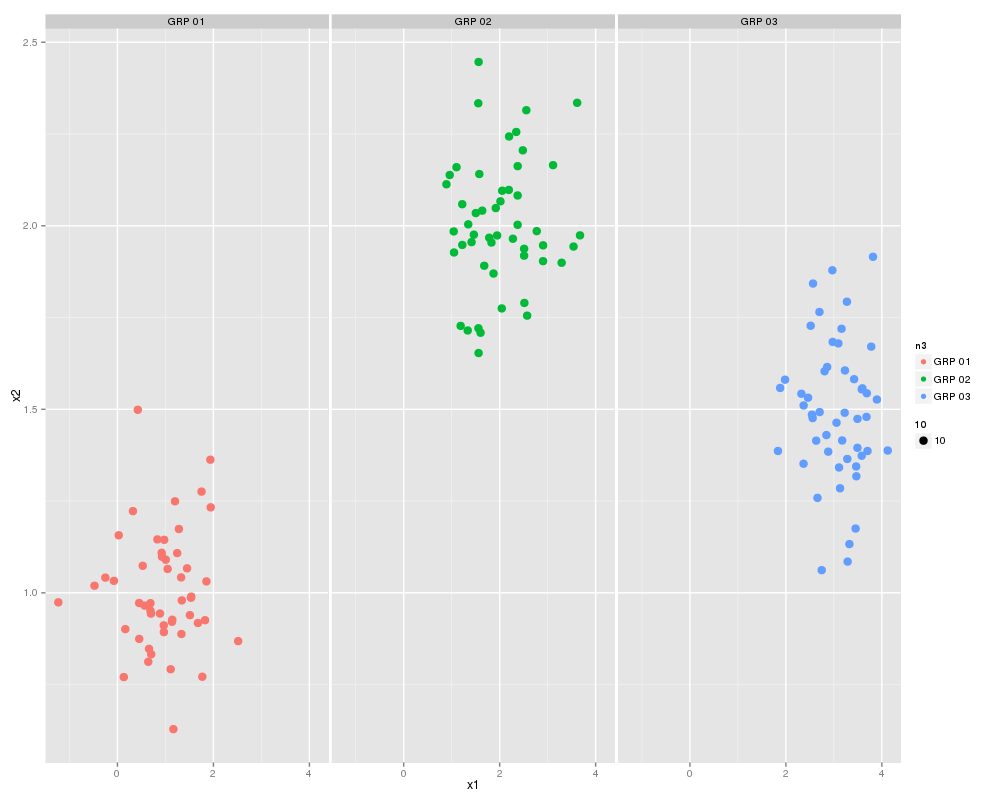
or you can split the 3 sections up using:

 qplot(x1,x2, color = n3, facets = .~n3)

Plot2

...and now something similar using GGPLOT2

First thing we need to do is create a dataframe from the four identical length vectors.

df <- data.frame(x1,x2,x3,n3)
colnames(df) <- c("x1","x2","x3","n3")

Some Charting:

g1 <- ggplot(df,aes(x1,x2))
p <- g1 + geom_point(aes(colour=n3), size =3.5) + 
          geom_smooth(method = "lm") +
          theme_bw() 
print(p)

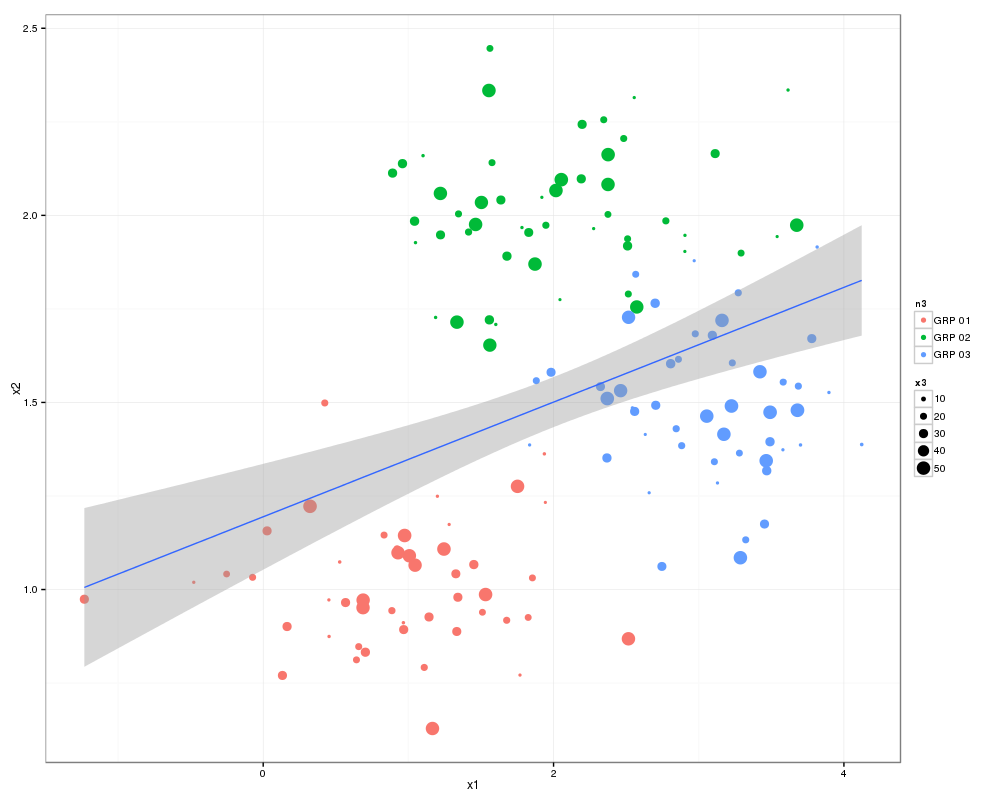
..and a slightly better looking version:

g1 <- ggplot(df,aes(x1,x2))
p  <- g1 + geom_point(aes(colour=n3, size =x3)) + 
           geom_smooth(method = "lm") +
           theme_bw() 
print(p)

Plot3

There you go all good stuff.
Other things to check out: facet_wrap
Some more pretty graphics